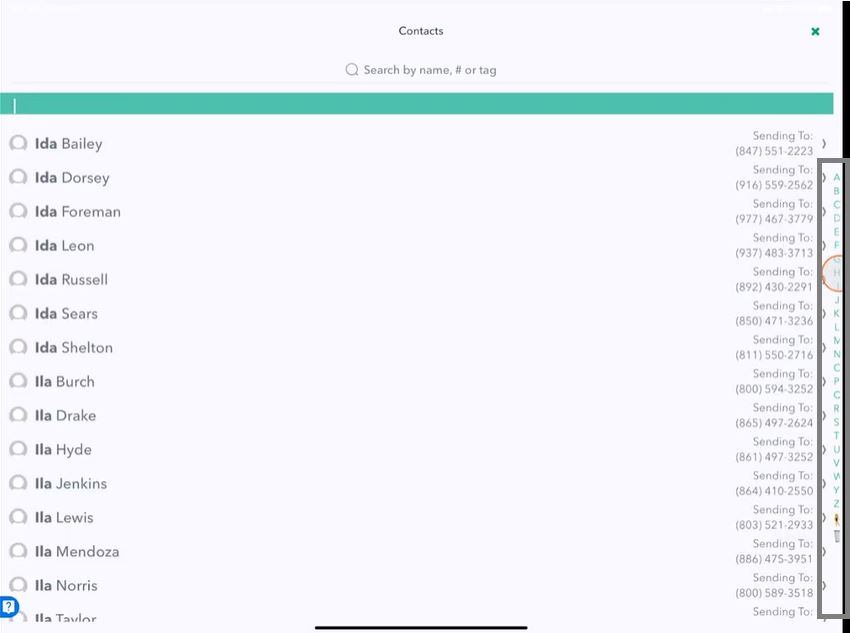
Sort Order of Contacts
Sort Order of Contacts Video Tutorial
Quickly change the Sort By option
Default option is Sort By First Name
Everybody has personal preferences about how they want their contacts to be sorted, whether by First Name, Last Name or Last Name, First Name or even by the Organization depending on your needs.
You can quickly change those settings in Hit Em Up.
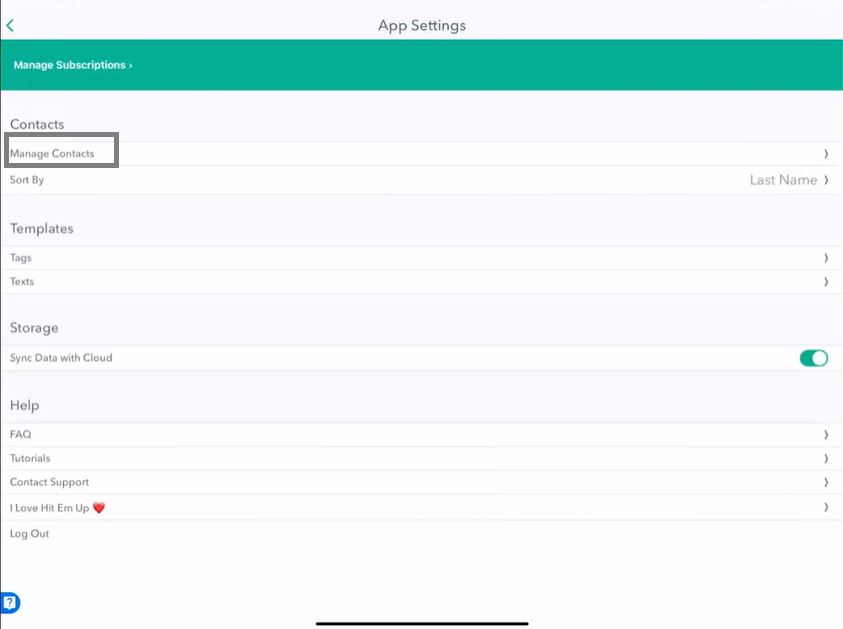
Tap Settings at the bottom corner.
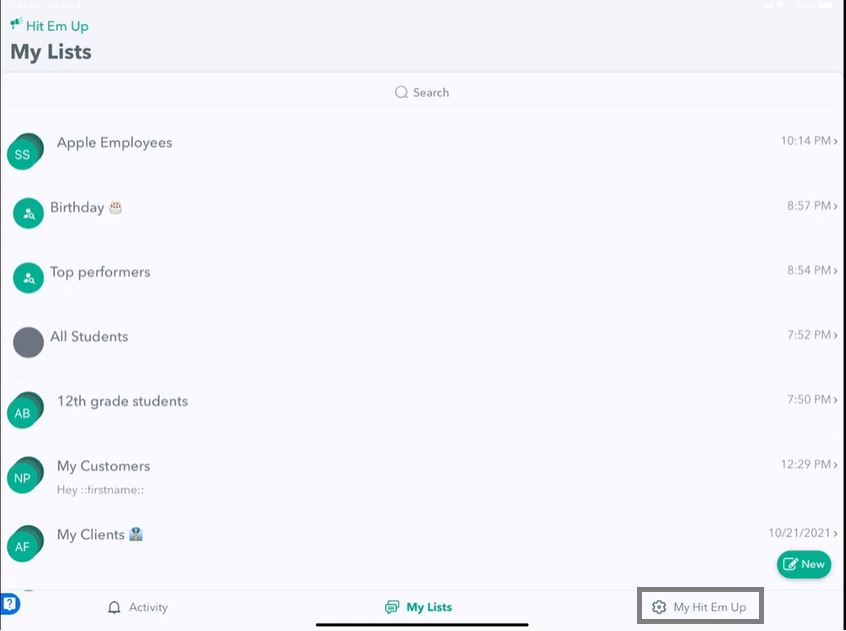
Tap App Settings.
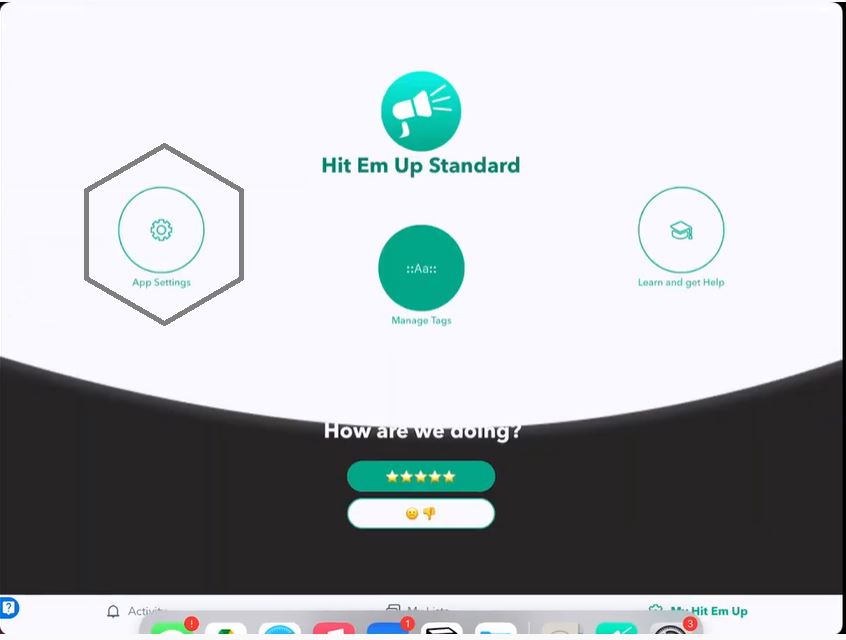
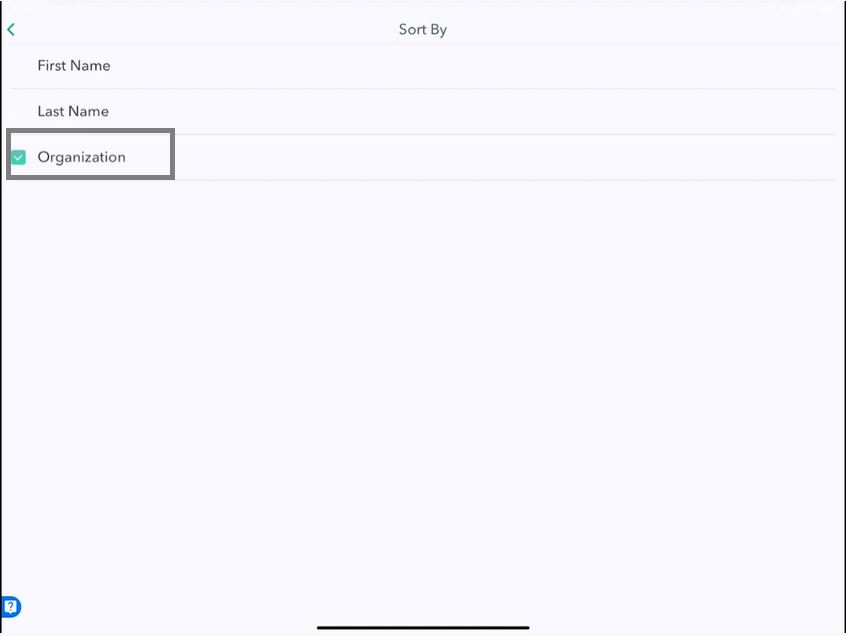
Tap Sort By, you can see it's set to Sort By First Name.
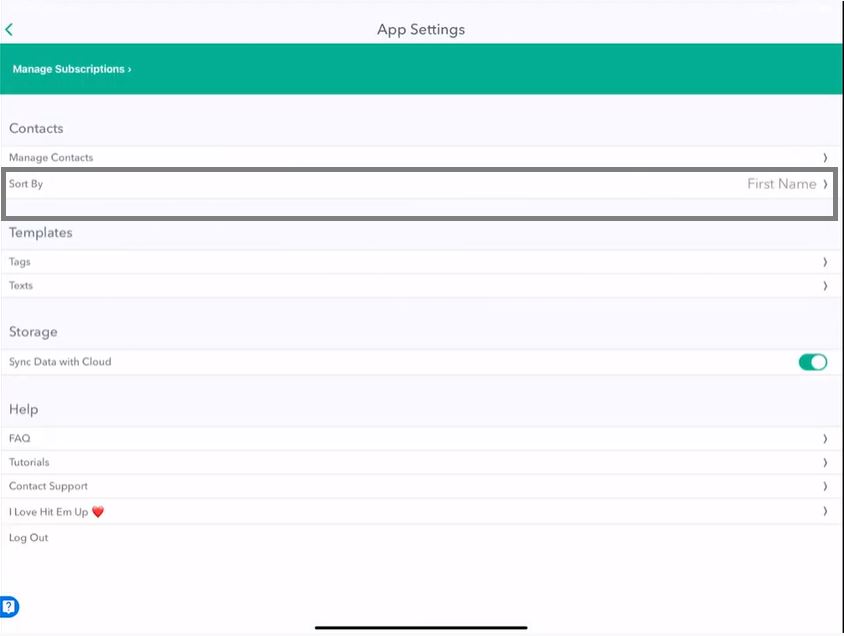
Change option to Sort by Last Name
You can change it to Last Name.
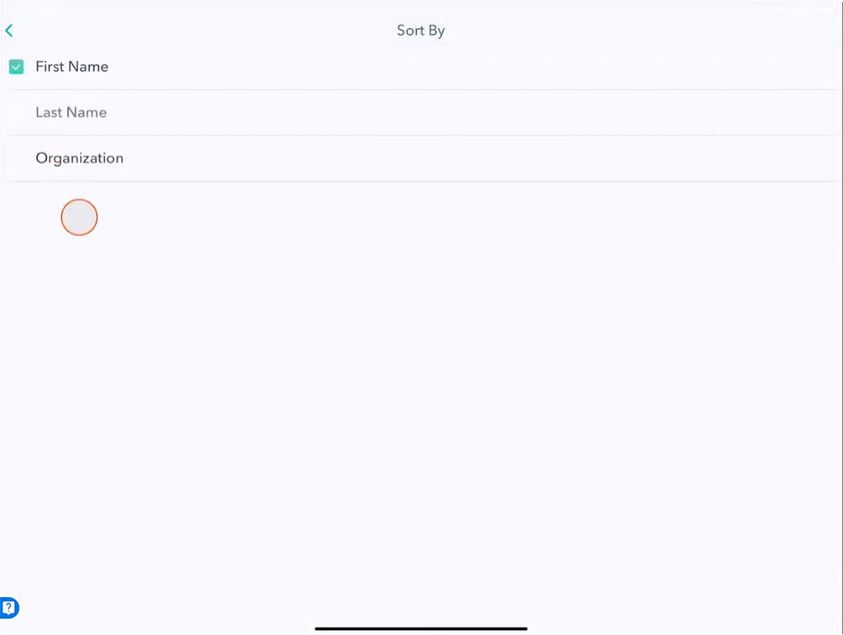
View Changes in Sort By
Manage Contacts
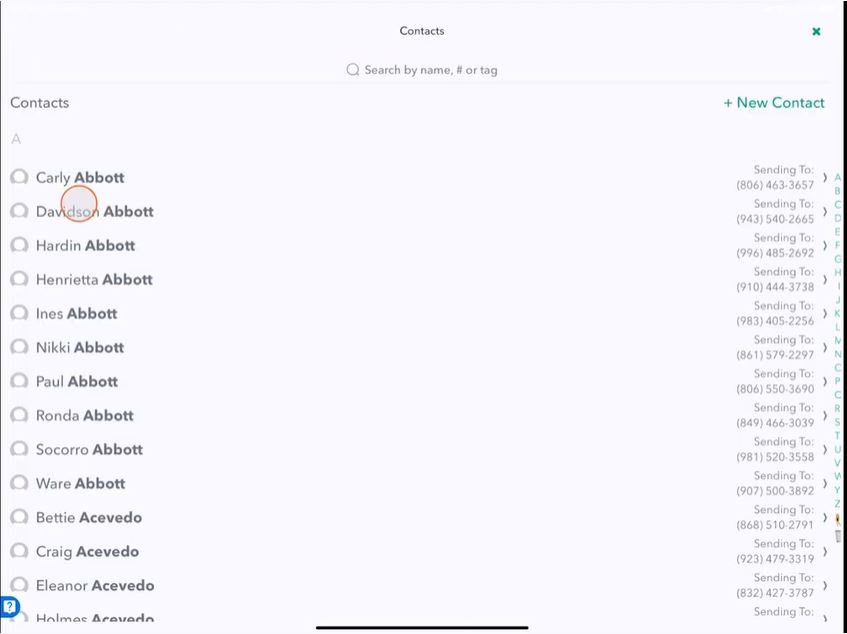
Go to Manage Contacts.
On the Manage Contacts screen, you can see it's made all the last names bold, and it's sorting by the last name.
Conversations
This will hold true for every list, so if you go to My Lists.
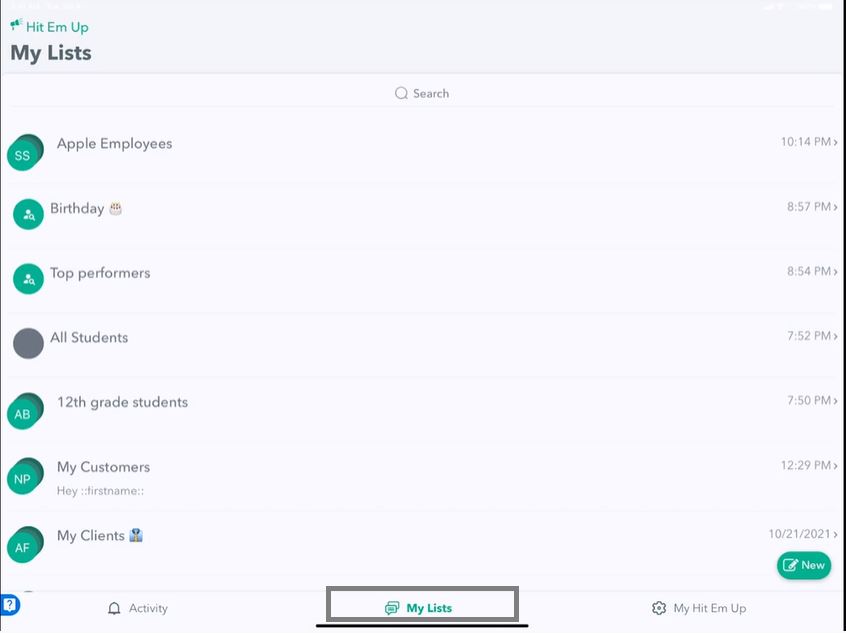
Tap on a group and you will see it's still sorting by the last name now.
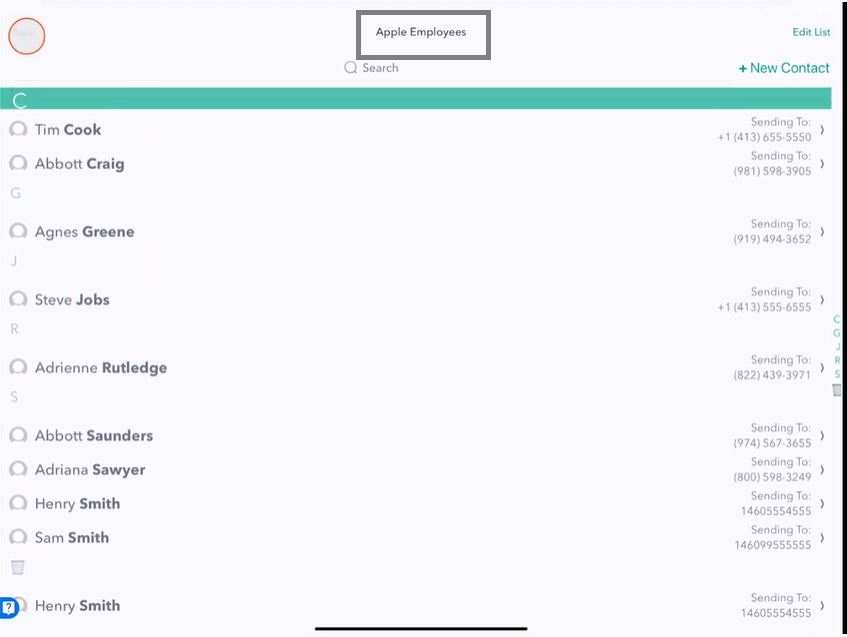
So that's used throughout the entire app.
Sort By Organization
Go to Settings and then App Settings sort by Organization,
Ge go back to My Contacts, you'll see that it sorts by the organization, so it no longer shows you the phone number, but it'll show you the organization the member is a part of.
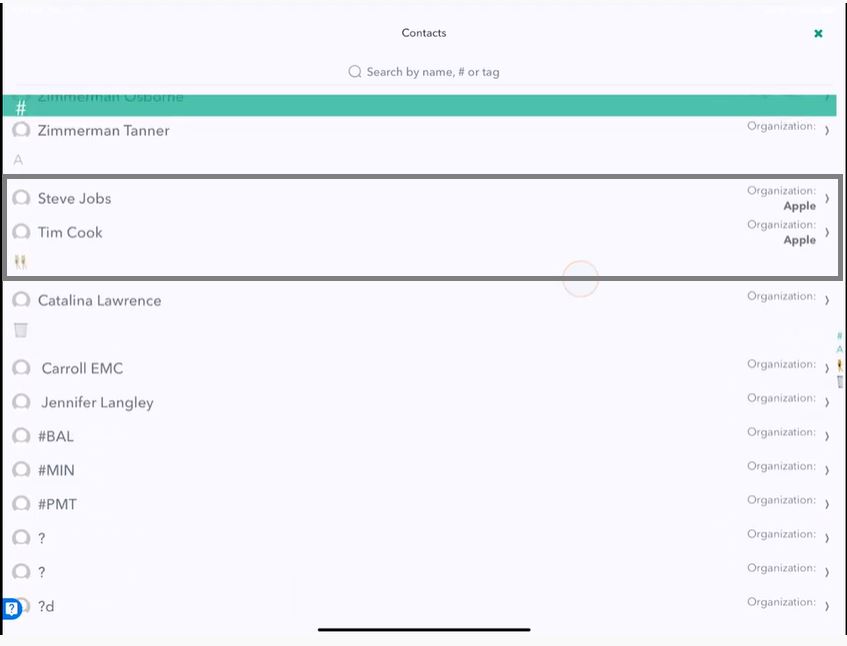
So that's how to change the sort order of your contacts on Hit Em Up.
You can quickly jump to a letter by using the sidebar.